RollBack Rx Server v4.9 Overview
RollBack Rx Server v4.9 Build 2711286639 is the late-2025 update to Horizon DataSys’s flagship server restoration software. Released around November 18, 2025, this version is significant because it introduces full official support for Windows Server 2025 and addresses critical compatibility needs for modern server infrastructures.
Unlike traditional backups that require hours to restore, RollBack Rx Server is an "instant time machine" that can revert a server to a previous state in seconds, making it a critical tool for disaster recovery and system stability.
🚀 Highlights of v4.9 (Build 2711286639)
This build focuses on modernizing the backend drivers to support the latest Microsoft server kernels while maintaining its core "instant restore" capability.
- Windows Server 2025 Support: Officially certified for Microsoft's latest Long-Term Servicing Channel (LTSC) release, ensuring stability with the newest server security protocols.
- Enhanced RAID Support: Optimized drivers for hardware RAID 0, 1, 5, and 10 arrays, fixing previous issues with consistency checks on larger arrays (10TB+).
- Background Snapshots: The snapshot engine has been refined to take backups with zero latency, ensuring no performance impact on active databases (like SQL or Exchange) during operation.
- Sub-Console Hardening: The pre-OS "mini operating system" (which allows you to restore even if Windows won't boot) has been updated to support newer UEFI secure boot keys.
Key Features of RollBack Rx Server
1. Instant Restoration
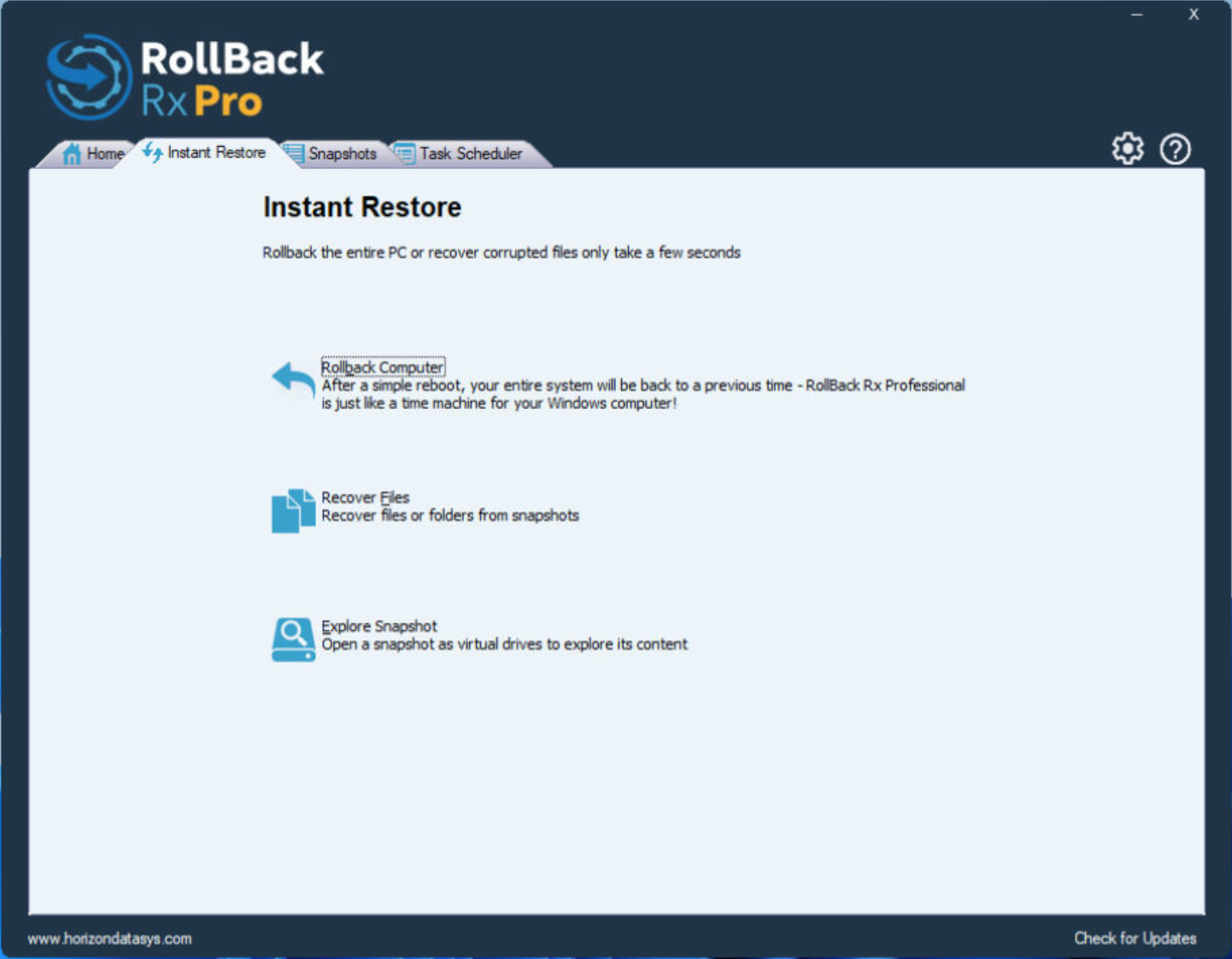
- Seconds, Not Hours: Restoring a 10TB server takes the same amount of time as a simple reboot. It works by mapping sector changes rather than copying files.
-
Granular Recovery: You can mount a snapshot as a virtual drive to recover specific files or folders without rolling back the entire server.
2. "Sandboxing" & Testing
- Test Patches Safely: Admins can take a snapshot, install a risky Windows Update or third-party software patch, and if it breaks the server, revert immediately to the pre-install state.
-
DevOps Workflow: Perfect for testing environments where you need to repeatedly reset a server to a "clean" baseline state after running tests.
3. Disaster Recovery
- Day Zero Recovery: In the event of a ransomware attack or catastrophic OS failure (BSOD), you can boot into the RollBack Rx sub-console (before Windows loads) and revert to a clean snapshot from minutes or hours ago.
| Component | Supported Versions |
| OS | Windows Server 2025, 2022, 2019, 2016, 2012 R2 |
| Disk Types | HDD, SSD, NVMe, M.2 |
| Partition Style | MBR & GPT (UEFI/Legacy BIOS) |
| RAID Support | Hardware RAID 0, 1, 5, 10 |
How to use RollBack Rx Server?
Follow the below instructions to activate your version of RollBack Rx Server.- Uninstall any Previous version of the program
- Unzip original program setup files, run keymaker and click “Patch RSA” button in keygen and patch “ShdApi.dll” file first before installation, located in “UNPACKED SETUP PROGRAMx86” or “UNPACKED SETUP PROGRAMx64” dir (recommended to patch both 32 and 64 bit versions of this dll).
- Patch hosts file by “Patch Hosts” button in keymaker (run as Administrator can be required) or edit hosts manually with adding these entries:
-
- 127.0.0.1 www.eazsolution.com
- 127.0.0.1 www.eazsolutions.com
- Or block by your firewall some program components, like: NetReg.exe, ShdTray.exe, etc. (do not allow access of all app modules to the Internet).
- Install the program, you can use Demo serial from setup wizard. (If you have already installed original demo software you can apply “Patch RSA” to installed “ShdApi.dll” in “Program FilesShield” dir but before patching you should to check and terminate program processes: Shield.exe, ShdServ.exe, ShdTray.exe, NetReg.exe.)
- After rebooting (if you install or reinstall the program) – go to the registration form (from program or from installed “NetReg.exe”, for “Drive Cloner Rx/Eazy Image” use “Activate” button) and choose “Activate Software without Internet connection”. Run keymaker and paste new generated Product ID and Activation Code for this ID to the registration form, press Activate button and reboot your computer.
- On some computers the “Machine ID” can be detected by keygen incorrectly. In this case uncheck “Auto Machine ID” and paste “Machine ID” from the program registration form to the keygen “Machine ID” field (erase it before).
RollBack Rx Server Download Links
 Mirror Link