MetaProducts Offline Explorer Enterprise Overview
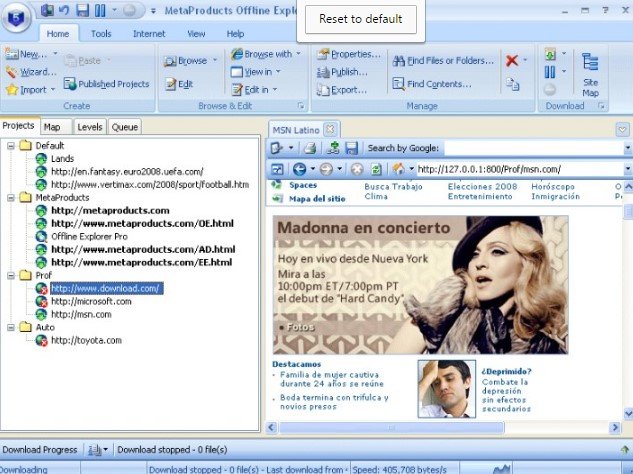
MetaProducts Offline Explorer Enterprise 8.8.0.5004 is a high-end web archiving and offline browsing tool designed for corporate environments, researchers, and developers. Version 8.8.0.5004 is a refined update within the version 8 series, which introduced significant performance improvements and modern web compatibility. While the Standard and Pro versions are intended for casual users, the Enterprise edition is built for high-capacity data mining and website mirroring. It allows you to download entire websites (including images, videos, and scripts) to your local drive, ensuring you can browse them exactly as they appear online without an internet connection.
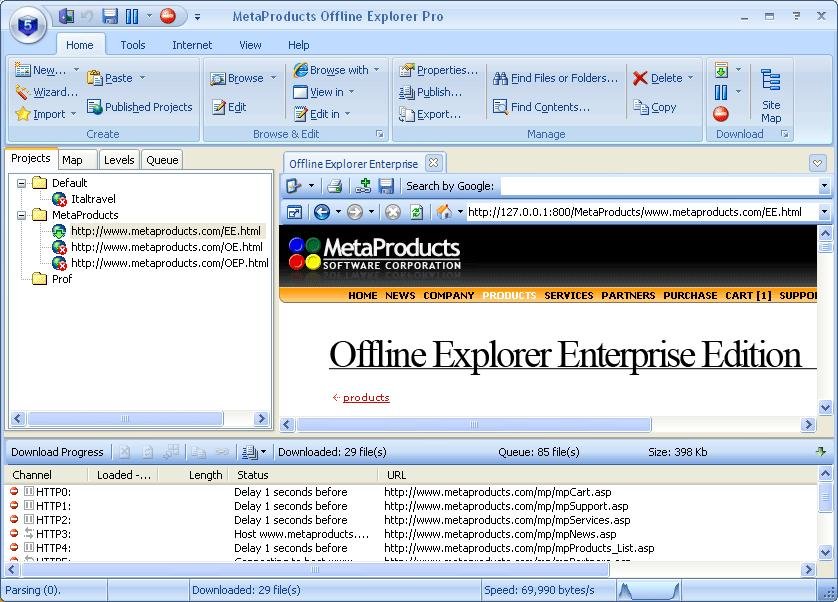
Key Features of Version 8.8.0.5004
- Massive Scale: Capable of downloading up to 100 million URLs per project, making it suitable for archiving massive portals or corporate intranets.
- Chromium Engine Integration: Uses a modern Chromium-based internal browser to handle complex, JavaScript-heavy websites that older offline browsers often fail to load.
- Social Media Archiving: Enhanced wizards specifically designed to capture content from interactive platforms like Facebook, X (Twitter), and Instagram.
- OLE Automation: A standout Enterprise feature that allows programmers to control the software via Visual Basic, C++, or Delphi to automate downloads within custom software solutions.
- Multi-Format Export: Downloaded sites can be packaged into CHM (Help files), EXE (Standalone viewers), or WARC files (the standard format for web archives).
- Capturing Social Networking and other interactive Websites;
- Saving passwords on the fly to download Password-protected Websites;
- Task-based Wizards to easily create download tasks;
- Report of all downloaded URLs and link errors;
- WARC files creation option;
- WARC files recording option;
- Option to export to MAFF archives;
- New Help center;
- Migration Wizard to transfer Projects and settings to another computer;
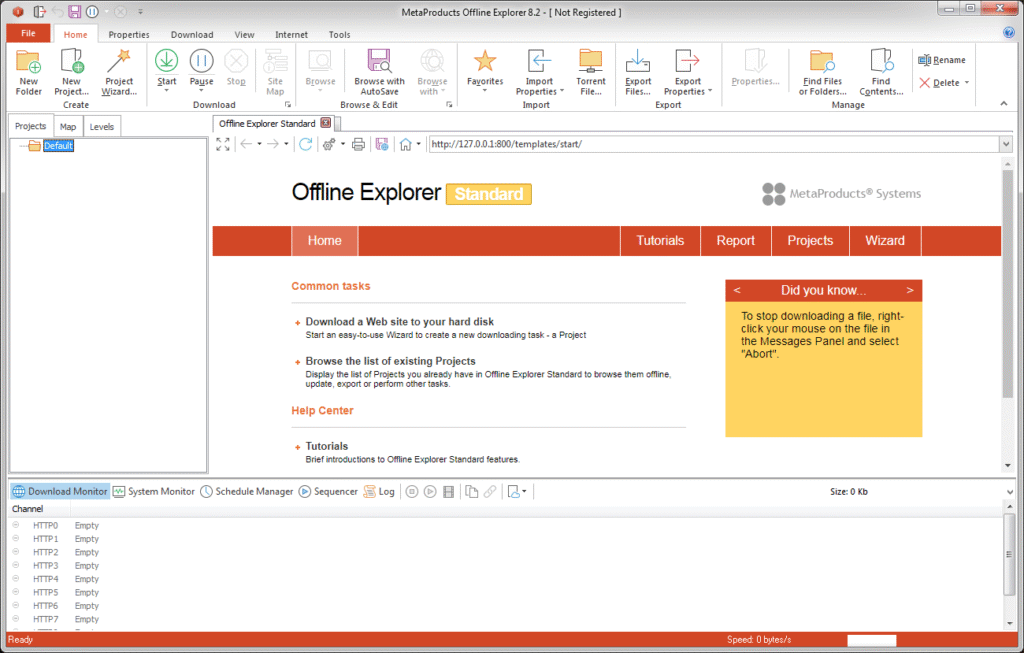
- Office 2013-like design of the Ribbon
Why Use Version 8.8.x?
The 8.8 series focused heavily on speed and accuracy. It features multi-threaded parsing, which uses all available CPU cores to process files up to 10 times faster than previous generations. It also includes an "Auto-Refresh" for internal browser tabs and a "Migration Wizard" to easily move your projects between different computers.
| Feature | Professional Edition | Enterprise Edition (8.8.0) |
| URL Limit | Up to 1 Million | Up to 100 Million |
| Automation | Basic Scheduling | Full OLE/COM Automation |
| Export Formats | ZIP, HTML | WARC, EXE, CHM, MAFF |
| Data Mining | Limited | Advanced Post-Processing |
Technical Specifications
| Feature | Details |
| Supported Formats | .zip, .zipx |
| Operating System | Windows 11, 10, 8, 7, Vista, XP |
| Hardware | Supports Multi-core CPU and GPU acceleration |
| Success Rate | Depends on password complexity and attack mode |
Technical Details of MetaProducts Offline Explorer Enterprise
- Software Name: AMS Software Photo Calendar Creator Pro for Windows
- Software File Name: MetaProducts-Offline-Explorer-Enterprise-8.8.0.5004.rar
- Software Version: 8.8.0.5004
- File Size: 119 MB
- Developers: MetaProducts
- Language: English
- Working Mode: Offline (You don’t need an internet connection to use it after installing)
| Component | Minimum Requirement | Recommended for 100M URLs |
| OS | Windows 7, 8, 10, 11 (32/64-bit) | Windows 10/11 (64-bit) |
| CPU | Intel Pentium 4 / AMD Athlon | Multi-core i5/i7 or Xeon |
| RAM | 512 MB | 4 GB+ |
| Disk Space | 100 MB for installation | Multiple Terabytes (for site storage) |
MetaProducts Offline Explorer Enterprise 8.4.0.4960 Free Download
Click on the button given below to download MetaProducts Offline Explorer Enterprise free setup. It is a complete offline setup of MetaProducts Offline Explorer Enterprise for Windows and has excellent compatibility with x86 and x64 architectures.
Mirror Link