Claris FileMaker Pro Overview
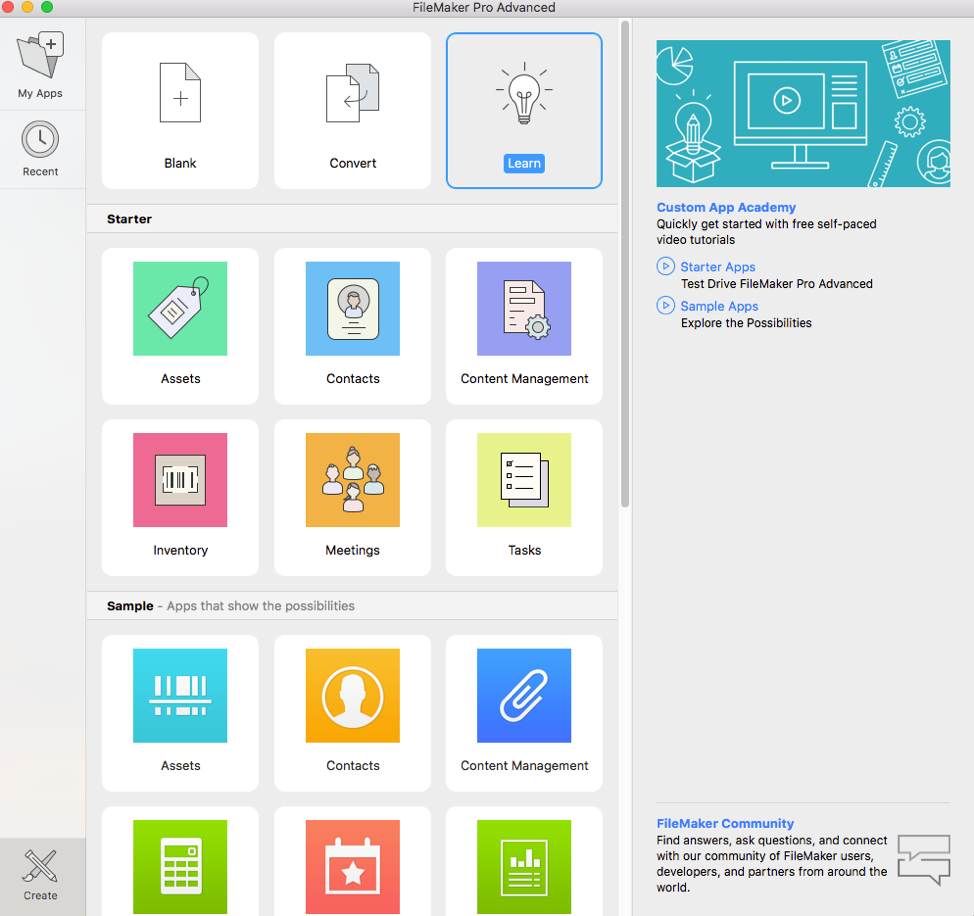
Claris FileMaker 2023 gives you everything you need to build high-performance, custom applications that integrate with the rest of your tech stack. Develop operational apps for today that scale for tomorrow. Claris FileMaker 2023 allows you to deliver the highest-performing, reliable, and scalable custom applications ever. At the core of Claris FileMaker lies its capability to create databases with remarkable ease and precision. Whether you’re a business looking to manage customer information, a creative professional organizing assets, or an educator tracking student progress, the software’s intuitive interface guides users through the process of creating databases that cater to specific needs. This functionality is particularly beneficial for those who want a flexible and scalable platform to manage their data.
Key Features of Claris FileMaker Pro
1. Granular Developer Privileges
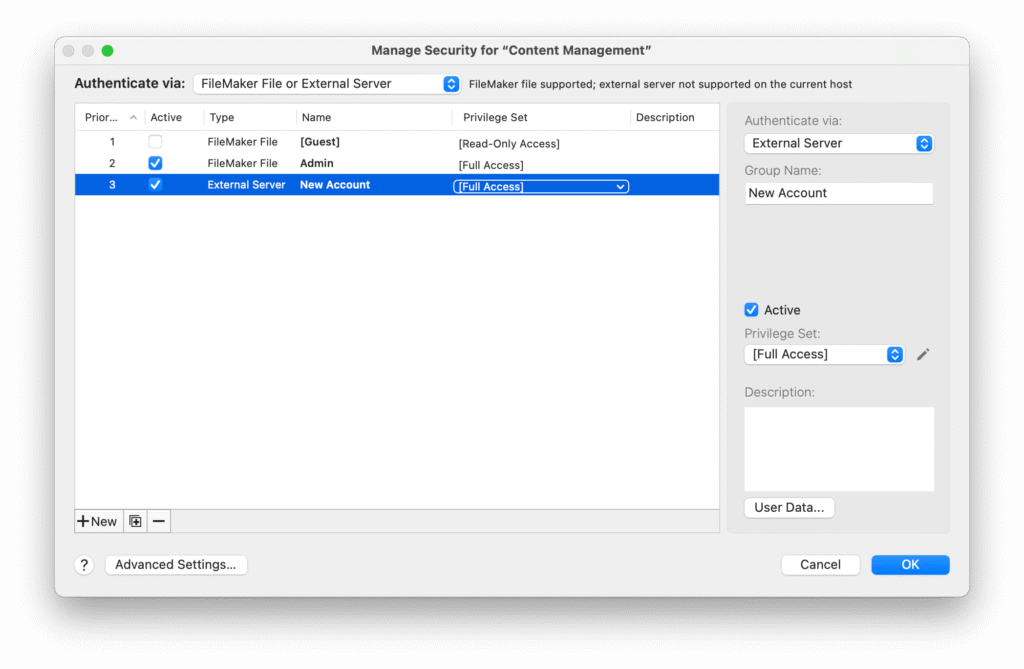
Perhaps the most significant change in this point release is the ability to grant development rights without granting Full Access.
- Manage Database/Custom Functions: You can now check a box in the Privilege Set dialog to allow users to modify tables, fields, and custom functions.
- Manage Custom Menus: A separate privilege now allows users to build and edit custom menus.
- Security Guardrail: This allows teams to delegate database architecture tasks to junior developers while keeping account security and encryption restricted to high-level admins.
2. OS Compatibility & Infrastructure
- macOS 26 (Tahoe): Full official support for the latest Apple operating system.
- Windows 11 (24H2): Improved rendering and stability on the latest Windows build, including fixes for ruler measurement units.
- OpenSSL 3.5 LTS: Upgraded to the 3.5 Long Term Support version, ensuring security patches and encryption standards are supported through April 2030.
3. Streamlined Enterprise Deployment
-
Silent Updates: For IT managers, the Windows updater no longer prompts to “Keep the Previous Version” during silent upgrades from v21 to v22, making automated pushes much smoother across large networks.
4. Security + Trust
- Protect your data more rigorously with updated security protocols including support for Open SSL 3.0, Send Mail with OAuth 2.0 authentication, and audit logging through a new script trigger.
- As an Apple company, Claris adopts rigorous security standards including holding SOC 2® Type 2 and ISO compliance accreditations.
Technical Details
- Software Name: Claris FileMaker Server for Windows
- Software File Name: FileMaker-Server-22.0.4.406.rar
- Software Version: 22.0.4.406
- File Size: 241 MB
- Developers: Claris
- Language: English
- Working Mode: Offline (You don’t need an internet connection to use it after installing)
| Platform | Supported Versions | Notes |
| macOS | macOS 26 (Tahoe), macOS 15 (Sequoia) | v22.0.4 specifically fixes UI bugs in Tahoe. |
| Windows | Windows 11 (24H2), Windows 10 (22H2) | 64-bit Pro or Enterprise editions only. |
What permissions are required for installing the Claris FileMaker Server?
The permissions required for installing a common Windows program may vary depending on the program and what it does. However, here are some common permissions that a Windows program may require during installation:
- Administrative permissions: Many Windows programs require administrative permissions to install properly. This allows the program to make changes to the system registry, add or remove files and folders, and install drivers or other software components.
- Network access: Some programs may require network access to download additional components or updates during the installation process.
- Access to system resources: Depending on the program, it may require access to certain system resources such as the camera, microphone, or location services. You may need to grant permission for the program to access these resources during the installation process or after the program has been installed.
- Storage access: Programs may require permission to access your computer’s storage to install files or store data.
- User account control: Depending on your UAC settings, Windows may prompt you for permission to install the program. You may need to provide an administrator password or confirm the installation before it can proceed.
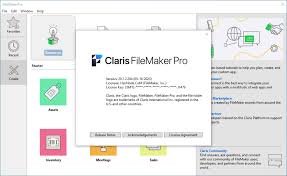
System Requirements for Claris FileMaker Server
- Operating System: Windows 10/8/7/Vista/XP
- Free Hard Disk Space: 200 MB free HDD
- Installed Memory: 1 GB of RAM
- Processor: Intel Core 2 Duo or higher
- Minimum Screen Resolution: 800 x 600
What is the verdict?
This app is well-designed and easy to use, with a range of useful features. It performs well and is compatible with most devices. However, there may be some room for improvement in terms of security and privacy. Overall, it’s a good choice for those looking for a reliable and functional app.
Download Claris FileMaker Server Latest Version Free
Click on the button given below to download Claris FileMaker Server free setup. It is a complete offline setup of Claris FileMaker Server for Windows and has excellent compatibility with x86 and x64 architectures.
How t Install
- Run installer from “Setup” folder click Next->”License Certificate” and choose LicenseCert.fmcert, complete the installation.
- Close program completely (even from system tray) and Copy patch to program’s installation
- Right click on patch and click “Run as administrator”
- Click on the jaguar heads and select the main executable file (if required)
- That’s it, Enjoy!
Claris FileMaker Pro Download Links
Mirror Link